
Tuning With DFlasher Simple. Fast. Mobile.
DFlasher makes tuning your supported BMW diesel simple. Connect your vehicle, select your tuning file, flash the ECU, and you're ready to go.
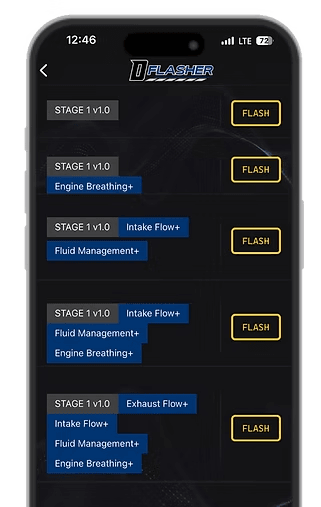
Connect
Connect your supported vehicle using the required compatible interface.
Select
Choose the appropriate tuning file prepared for your vehicle and setup.
Flash
Follow the guided process while DFlasher communicates with the vehicle ECU.
From Connection to Completion
Every part of the DFlasher workflow is designed to be clear, guided, and easy to understand.
Connect to Your Vehicle
Switch the ignition on and connect your compatible interface. DFlasher will establish communication with the vehicle and identify the supported ECU.
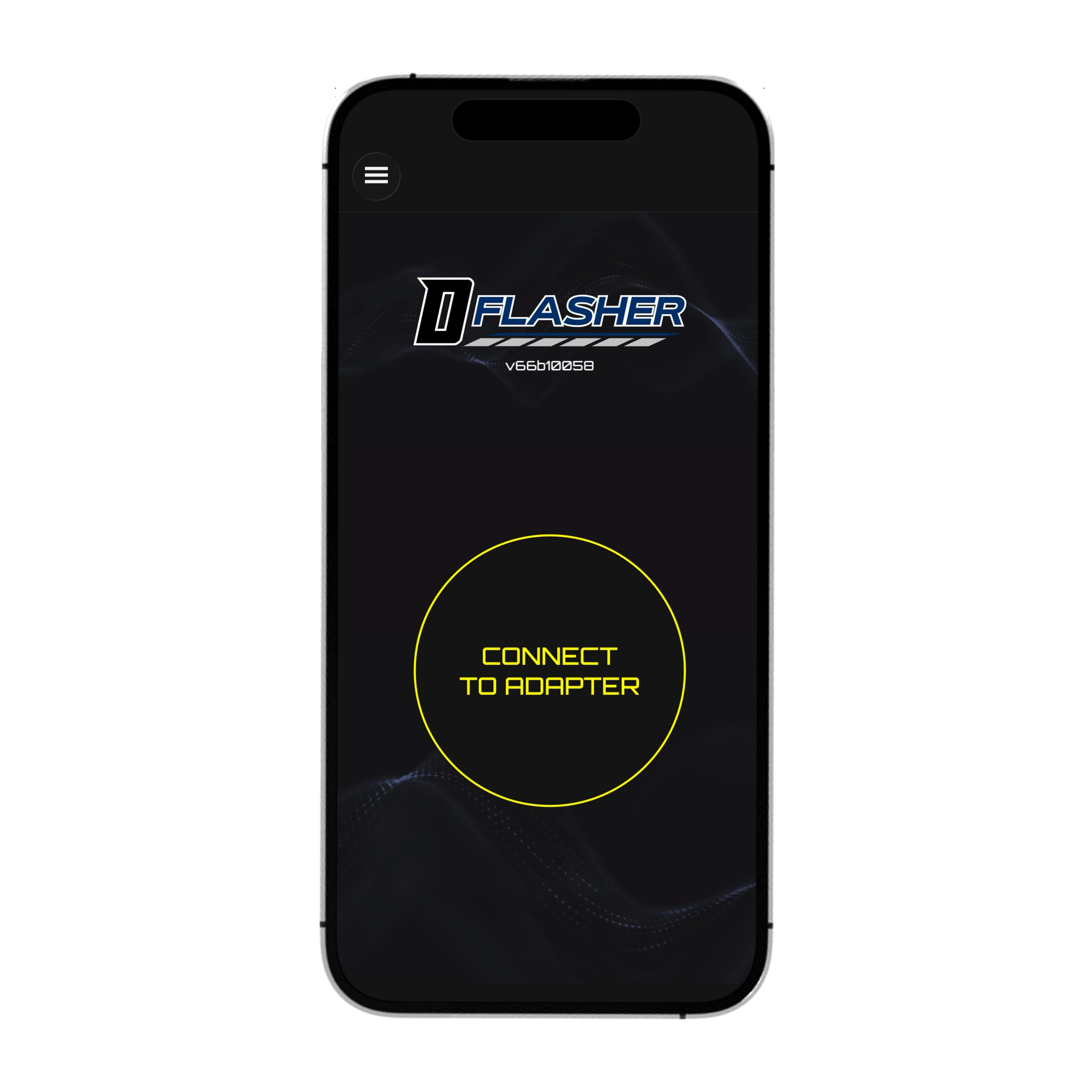
Select Your Tuning File
Review the available files for your vehicle and select the map that matches its hardware, fuel, ECU software, and intended setup.
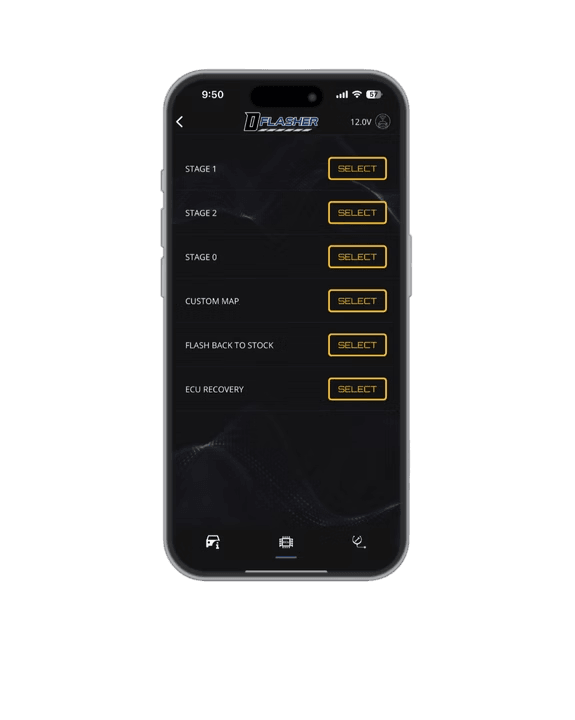
Flash the ECU
Start the guided flashing process and leave the vehicle, connection, and device undisturbed while DFlasher writes the selected calibration to the ECU.
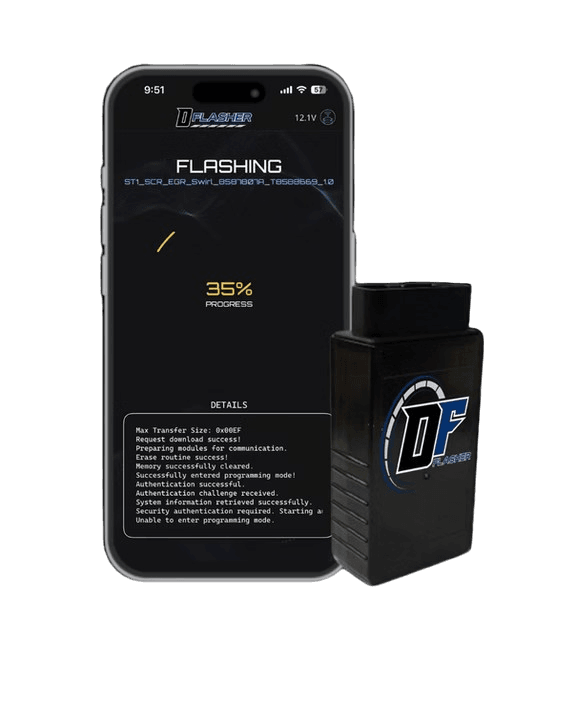
Complete and Drive
Once the process finishes successfully, follow the final on-screen instructions. Your selected calibration is now installed and ready for use.
What You’ll Need
Prepare Before Connecting
Having the correct equipment and a stable vehicle environment helps ensure a smooth flashing process. Compatibility and connection requirements may vary depending on the vehicle and ECU.
DFlasher Platform
Access to the supported DFlasher application or desktop platform.
Compatible Interface
A supported vehicle communication adapter or connection method.
Stable Battery Voltage
A properly rated battery support unit is recommended while flashing.
Supported Vehicle
A vehicle and ECU currently listed as compatible with DFlasher.
Important Flashing Preparation
Always verify vehicle compatibility, maintain stable battery voltage, use the correct connection equipment, and follow every instruction displayed by DFlasher. Do not disconnect the vehicle, close the application, or interrupt power during an active flash.
Ready to Unlock Your Diesel?
Explore supported engines and vehicles, check available tuning options, and find the correct DFlasher solution for your setup.